Editor 📝
Description: The Editor widget enables you to capture your thoughts using the markdown format, ensuring that your data is future-proof, machine-readable, and cross-platform. It allows you to take notes from anywhere on the internet, recording essential information and providing the ability to easily trace back to the original source.
Usage Instructions 📚
From the widget list, locate and select the "Editor" widget. The Editor will open in a new tab or section.
Start by typing your thoughts, ideas, or any information you want to capture.
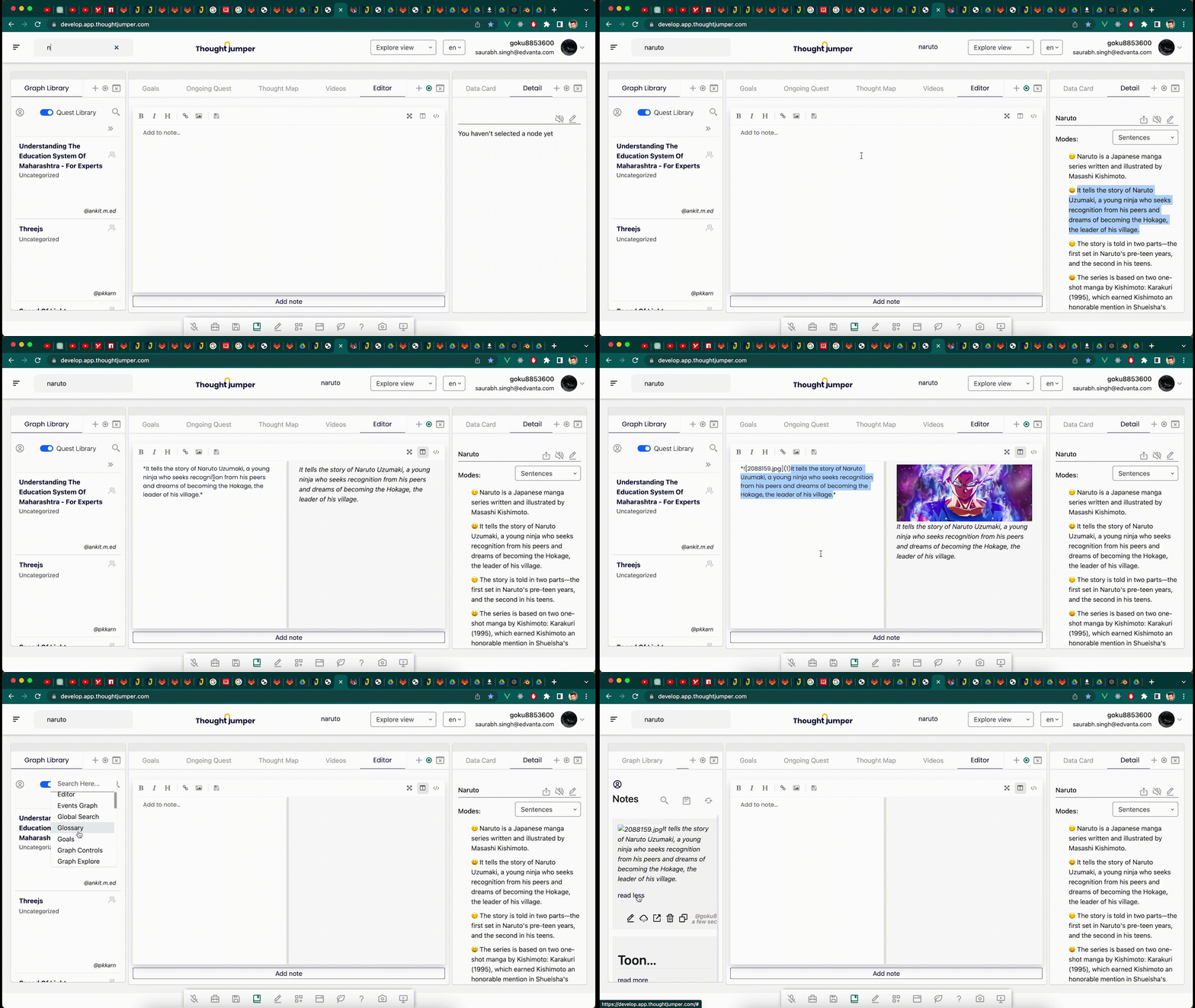
It is simple to use. shows two screens (preview); use rich editor options; save notes; view notes in Notes Library
Tips
- The Editor uses the markdown format, which allows you to format your text using simple syntax.
- Use headings, bullet points, and numbered lists to organize your content and make it more readable.
Widgets that work well with this widget 🤝
- Notes Library
- Goals